

1
Make the board
Print the calibration board at 100% scale and glue it flat onto letter-sized cardboard. Don’t cover any squares or markers.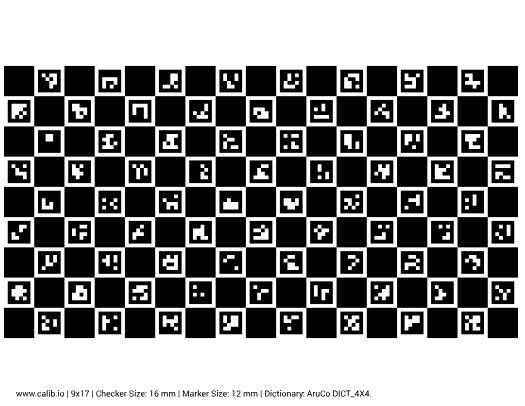
2
Start calibration
In the app, go to Configuration → Depth and tap Start calibration.
3
Hand MARS the board
When MARS raises its hand, hold the board in front of it with the pattern facing the head. Keep it steady until MARS grabs it, then step back.
4
Check the result
Wait for the app to report completion, then tap Check depth. If calibration fails, try again with a flatter board.