

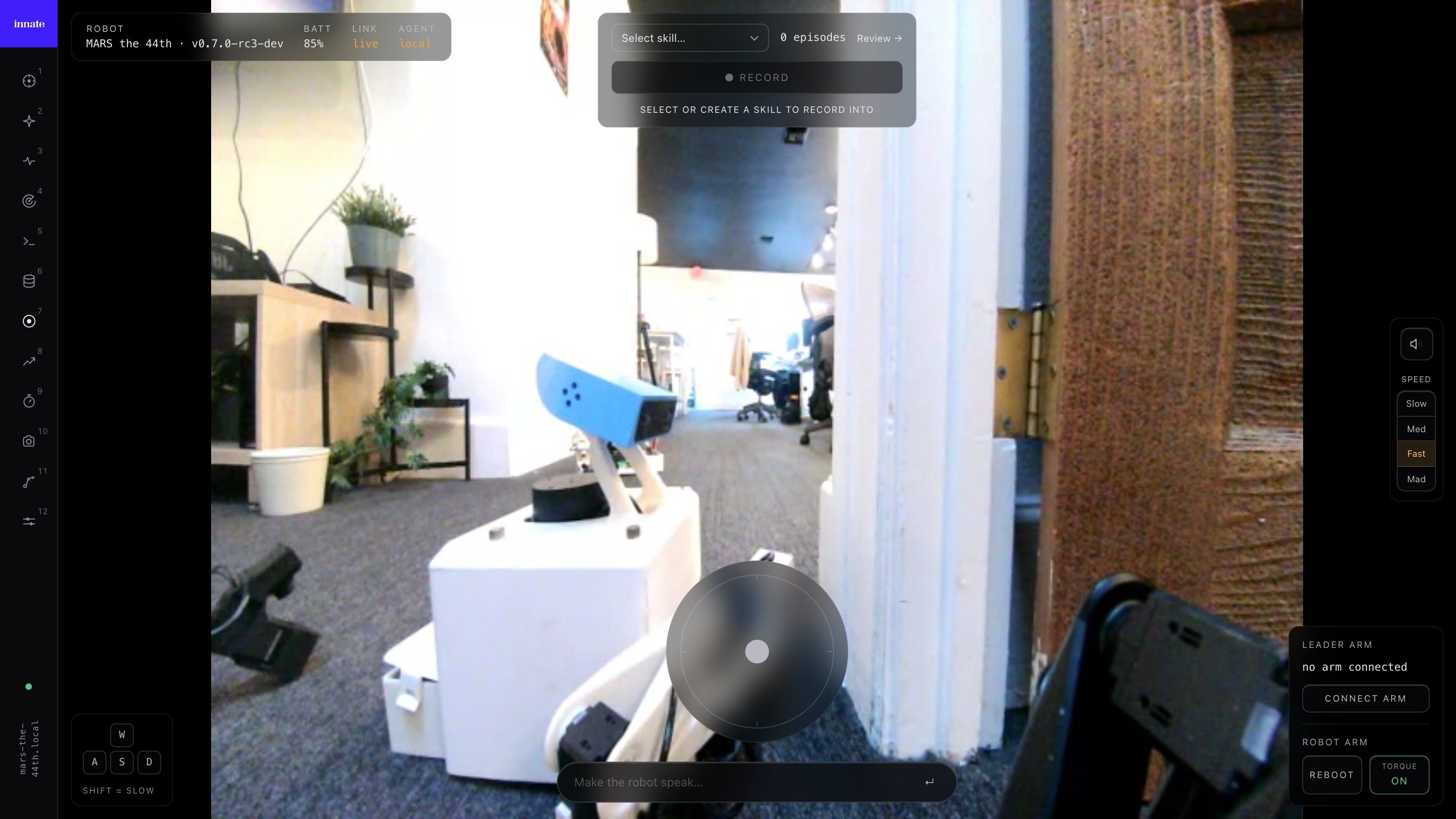
Training a manipulation policy starts with data. You teleoperate the robot through the task you want it to learn, and the app records synchronized camera images, joint positions, and velocities at 30 Hz. The more consistent and varied your demonstrations, the better the resulting policy.

Create a physical skill

Before you can record, you need a skill entry to hold your dataset.
1

Open the Skills screen

In the app, tap Skills and switch to the Physical tab.
2

Create the skill

Tap the + button, enter a name in Enter Action name here, and tap Create Physical Skill. The app opens the episode recorder directly.
If the skill already exists, open Skills, go to the Datasets tab, and select it.

Record episodes

Inside the skill page’s Record tab you’ll see an episode counter, the current episode list, and a Record Episode button.
1

Open the recorder

Tap Record Episode at the bottom of the Record tab.
2

Enable arm streaming

On the recorder screen, toggle Arm on. The Record button is enabled only when arm updates are flowing (you’ll see an MPS value appear).
3

Capture the demonstration

Press Record, teleoperate the robot through the task, then press Stop when done.
4

Save or discard

After stopping, choose Save to keep the episode or Discard to drop it.
Repeat until you have enough episodes. See the tips below for guidance on how many you need.

Tips for high-quality data

50–80 episodes is a good starting point for a simple task (pick up one object from a fixed area). For tasks that require generalization across object positions, lighting, or object types, aim for 150+ episodes. More diverse data almost always improves robustness.
Begin each episode with the arm in roughly the same position. Large variation in start poses confuses the policy — it spends capacity learning where to begin instead of how to complete the task.
Avoid jerky movements, hesitations, or mid-episode corrections. The policy learns to imitate exactly what you do, including mistakes. If you fumble, discard the episode and re-record.
Move the target object by 2–5 cm between episodes. This teaches the policy to use vision instead of memorizing a single position.
Keep lighting and background consistent across your recording session. Dramatic changes between episodes (e.g., a bright window that appears only in some episodes) add noise the policy can’t resolve.
If your task involves driving the robot while manipulating, enable base movement in the recorder. The episode will additionally capture cmd_vel and odometry data. See Dataset format for details on the extra fields.

Review your dataset

After saving, return to the skill’s Record tab to inspect your episodes. Each episode card shows an index and timestamp. Tap any episode to open Episode Replay, where you can play back the recorded actions and camera feeds to verify quality. Delete any episodes that look wrong — inconsistent demonstrations hurt more than a smaller dataset helps.

Upload to the cloud

Once you’re satisfied with your dataset, upload it so it’s available for training.
1

Open the Record tab

Navigate to the skill’s Record tab. You’ll see an Upload button and a sync status indicator.
2

Start the upload

Tap Upload. The app compresses your episodes and uploads them to Innate’s training servers. A progress indicator shows the current stage.
3

Confirm sync status

When the upload finishes, the sync badge turns green. You can verify this on the Train tab — the dataset card should show the correct episode count and a green sync status.
If you add more episodes later, upload again. Only new episodes are transferred — you don’t need to re-upload the entire dataset.

Next steps

Train a policy

Configure hyperparameters and launch training on Innate’s cloud.

Dataset format

Understand what’s inside each episode file.

Training Manager

Power-user web UI for merging datasets, deleting episodes, and more.