

How it works
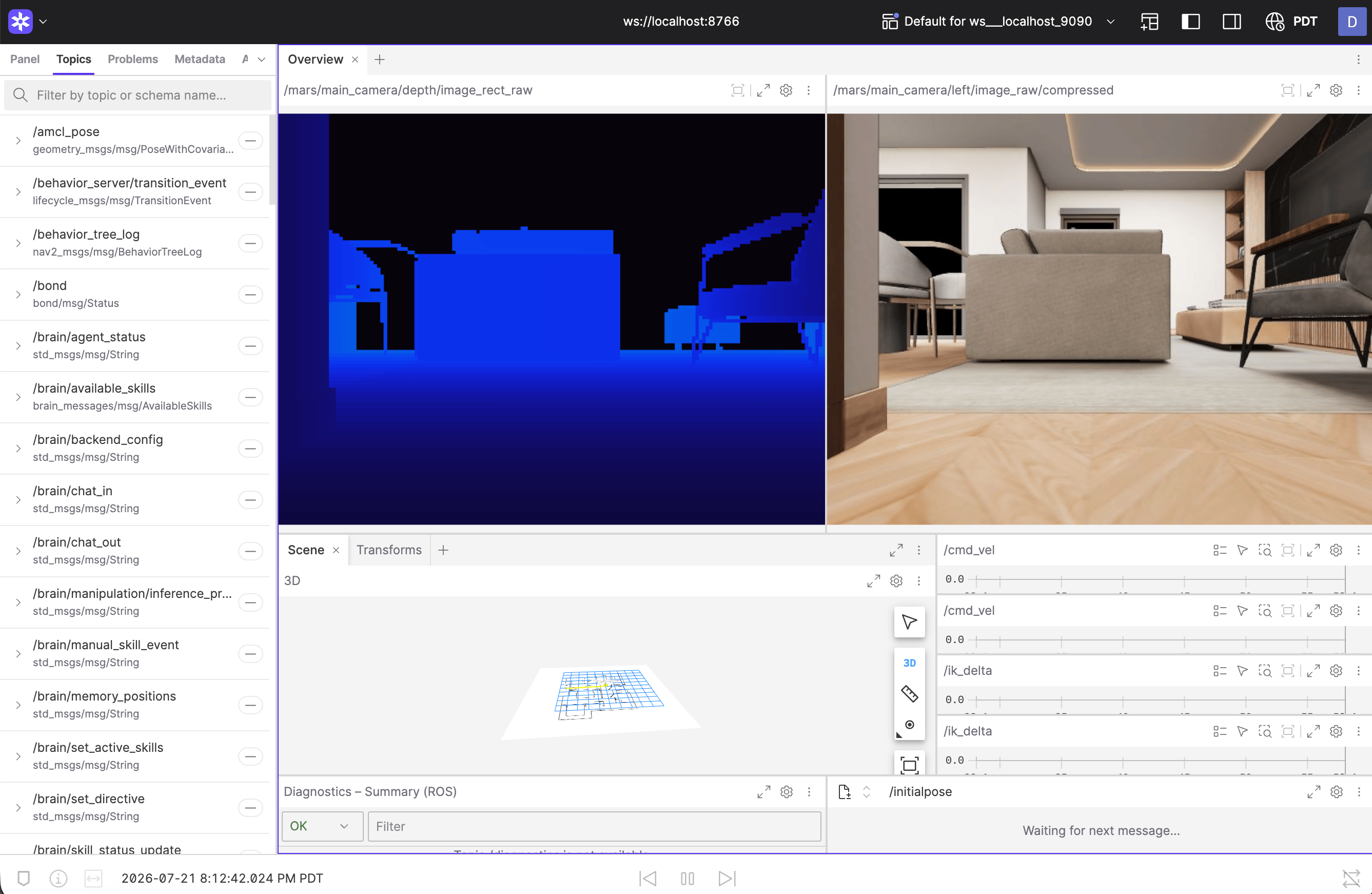
MARS runs a Foxglove Bridge node that exposes ROS2 topics over WebSocket. You connect to it from Foxglove on your laptop.Setup
Open Foxglove in your browser
Useful topics to visualize
| Topic | Type | What you see |
|---|---|---|
/oak/rgb/image_raw | Image | Main camera feed |
/scan | LaserScan | LiDAR sweep |
/odom | Odometry | Robot position and velocity |
/cmd_vel | Twist | Velocity commands being sent |
/map | OccupancyGrid | SLAM map |
/battery_state | BatteryState | Battery voltage and percentage |
/tf | TF | All coordinate frames |
RViz alternative (Linux only)
If you’re on a Linux machine with ROS2 Humble installed, you can use RViz directly. It connects to MARS over Zenoh DDS — no bridge needed. Make sure your machine is on the same network and Zenoh discovery can reach the robot. Then:Troubleshooting
Can't connect to WebSocket
- Verify MARS and your laptop are on the same network.
- Check the bridge is running:
ros2 node list | grep foxglove. - Try the IP address directly instead of
.localhostname. - Make sure port
8765isn’t blocked by a firewall.
No topics showing up
- The bridge only exposes topics that are actively published. Make sure ROS nodes are running:
innate view. - Try
ros2 topic liston the robot to confirm topics exist.
High latency on camera feed
- Image topics are bandwidth-heavy. Use a wired Ethernet connection for the best experience.
- In Foxglove, reduce the image panel’s update rate or use compressed image topics if available.

