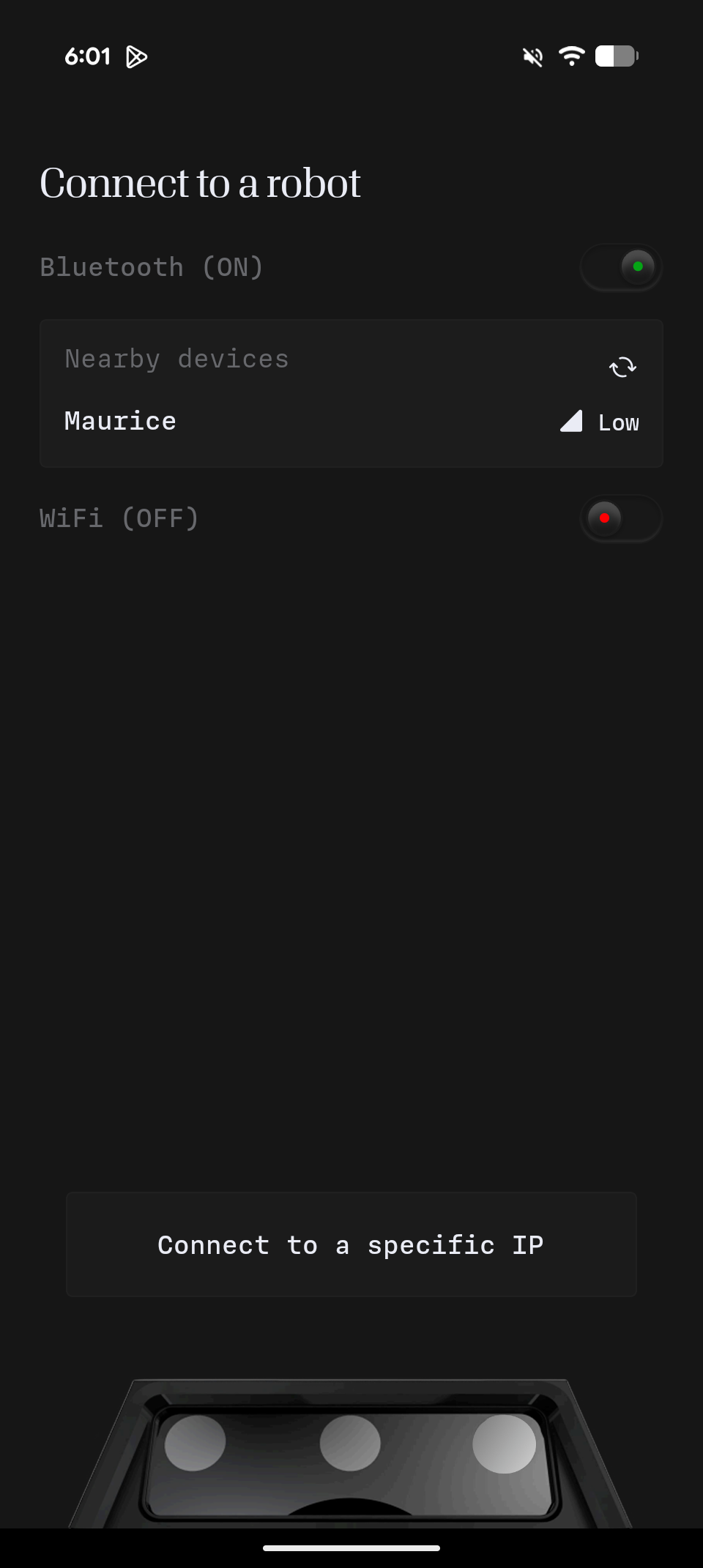
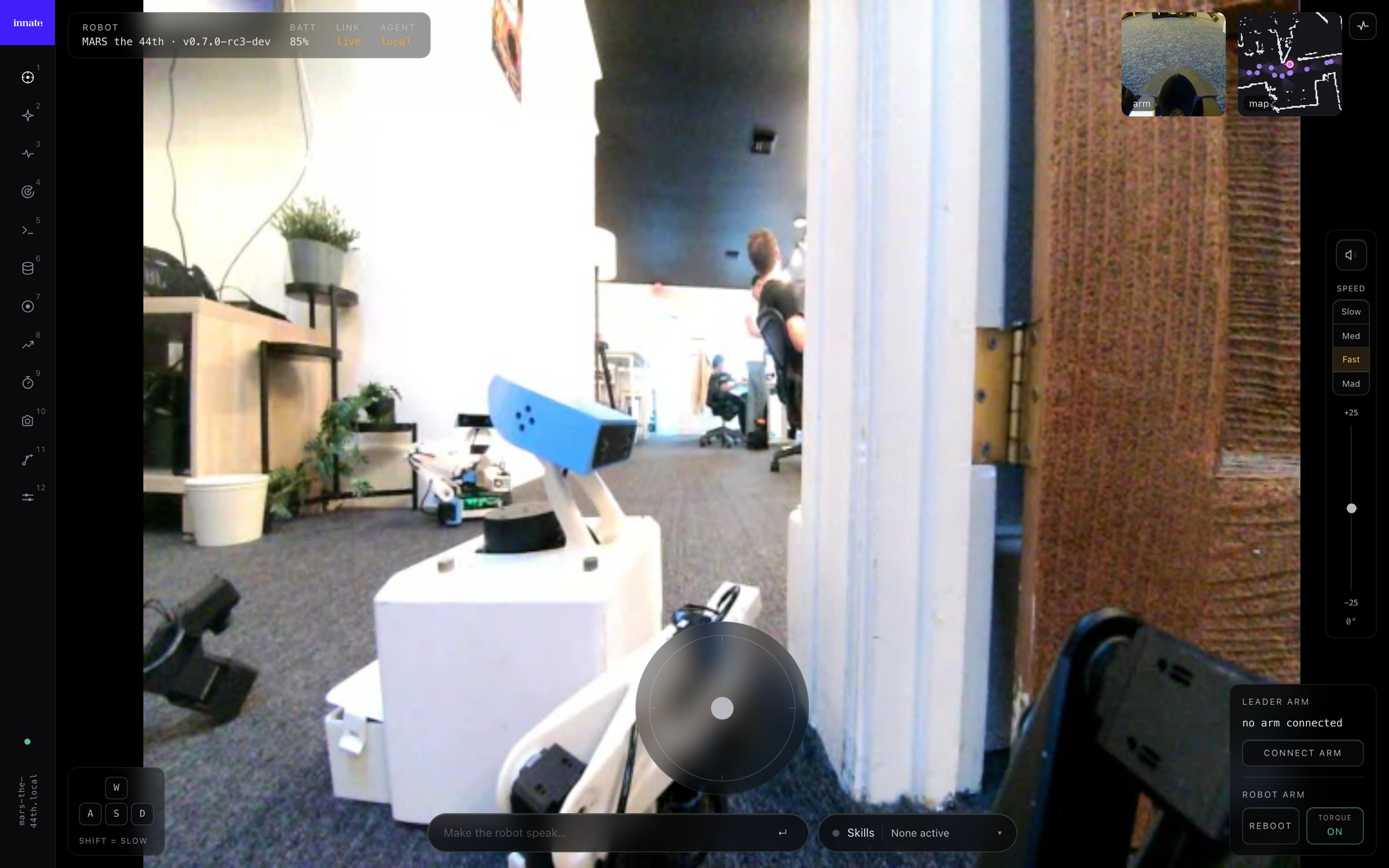
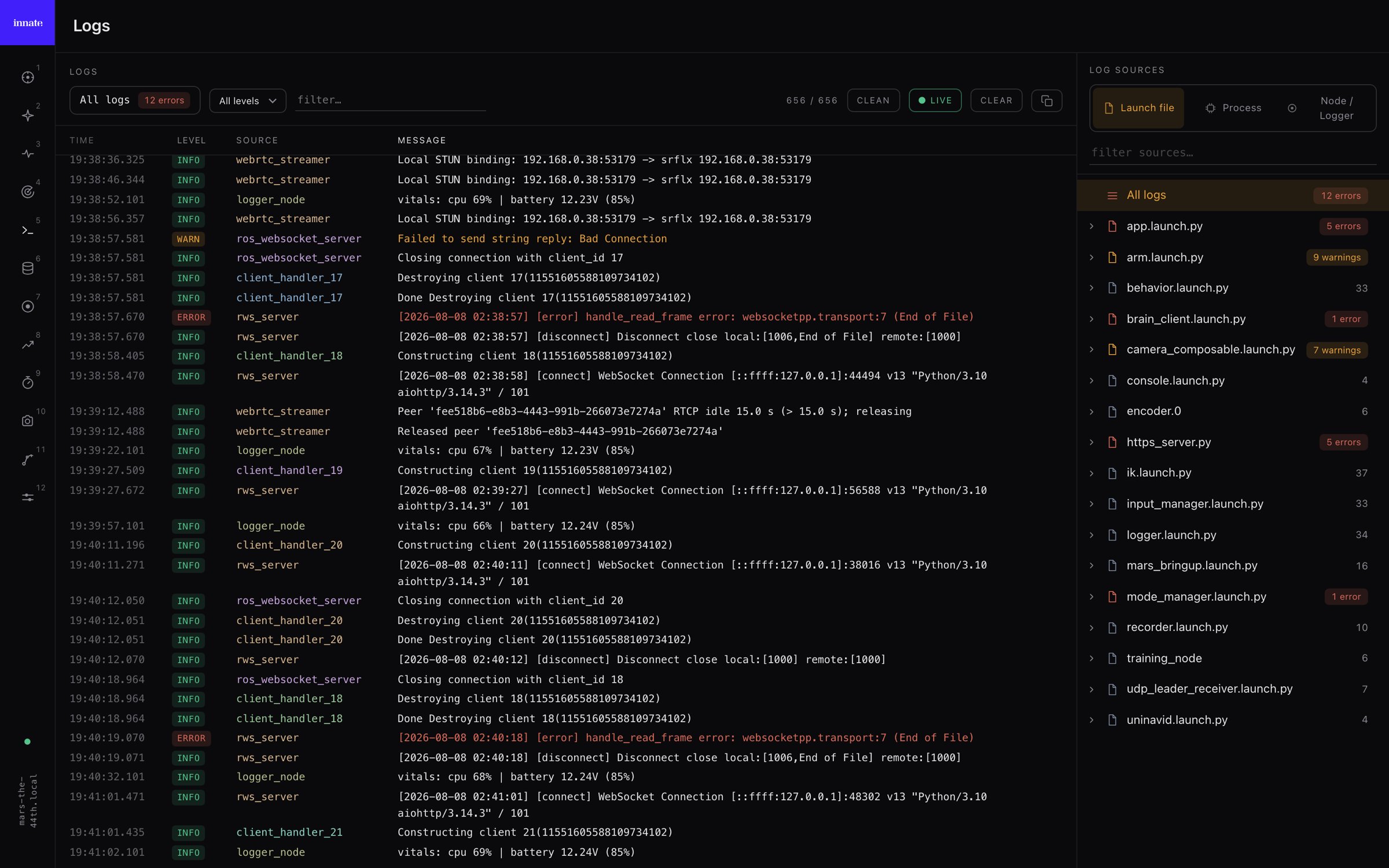
The web app is a browser cockpit for MARS: drive the robot, collect training data, replay episodes, launch cloud training, and read the robot’s logs — all from a browser tab, served by the robot itself with nothing to install. The MARS web app It’s the browser counterpart to the controller app and talks to the same robot. The step-by-step workflows (teleoperation, recording a dataset, training, deploying) live in the topic guides and cover both surfaces — this page is just how to get in and what’s where.

Opening the web app

Point a browser at the robot over HTTPS, using its IP address:
https://<robot-ip>
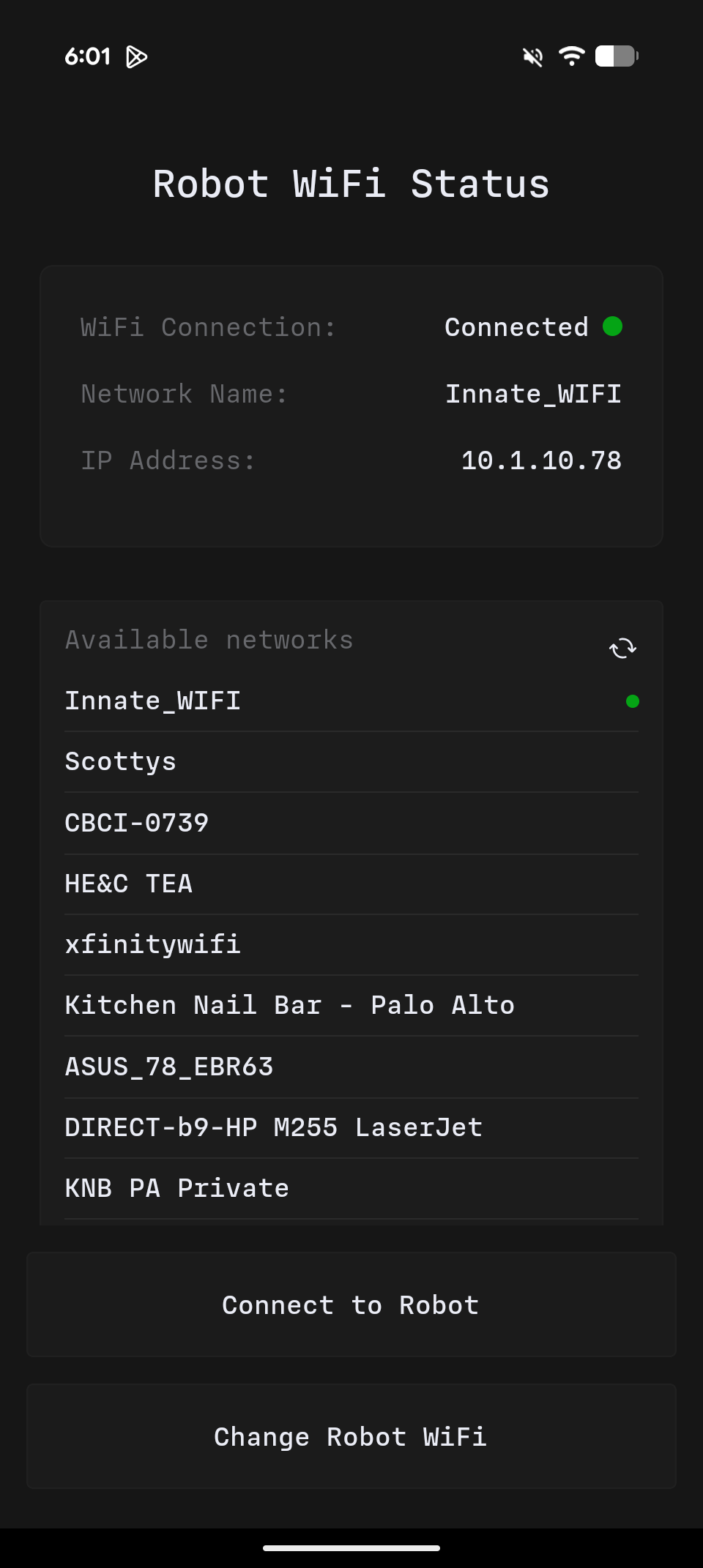
For example https://192.168.1.42. Find the robot’s IP in Configuration → WiFi (or from your router). The .local hostname (e.g. https://mars-robot.local) works too, but mDNS name resolution is slower and less reliable on some networks, so prefer the IP. The certificate is self-signed, so your browser warns you the first time — accept it once per machine. A page opened from the robot connects back to it automatically.
Leader-arm teleoperation in the web app needs Chrome or Edge. It uses the browser’s WebSerial API, which only those browsers support, and only on a secure origin — the robot’s https:// address is one. Driving, video, recording, training, and logs work in any modern browser.

The pages

Switch between the web app’s pages from the icon rail on the left:
  • Teleoperation — live video, driving, the arm, head, and speech. → Control & connectivity
  • Collect — record demonstration episodes into a training dataset. → Record a dataset
  • Datasets — browse and replay recorded episodes (per-camera MP4 + synced joint graph). → Review your dataset
  • Training — launch cloud training runs and watch progress, logs, and metrics. → Train an ACT policy
  • Debugging — a live, structured view of the robot’s entire console. Web-app only:

Debugging console

Diagnose the robot’s full log stream from a browser, without SSH.

Web app vs. controller app

Use whichever fits: the phone app is best on the go and for leader-arm teleoperation in the field, while the web app shines on a laptop for data collection, training, and debugging on a larger screen.
The robot has a single camera stream, so the controller app and the web app can’t both show video at once — they’ll keep stealing the stream from each other. Close one before viewing video on the other. Driving, speech, and telemetry are unaffected.

Current versions

The web app ships with Innate OS — its version tracks the robot’s OS. As of June 2026:
MARS OS0.6.0Cloud Agent0.2.1Controller App1.3.0