

Prerequisites
- Memory and CPU: 16 GB RAM and 4+ CPU cores recommended. 8 GB works, but expect slower performance.
- Disk space: Up to 15 GB free, or less if Docker is already installed. The installer checks before downloading.
Choose your operating system
- macOS
- Linux
- Windows (WSL2)
Open Docker Desktop and leave it running.The installer sets up everything else, but not this one: containers are
Linux processes, so on macOS they run inside the virtual machine Docker
Desktop provides — and a desktop app with a licence to accept is not
something a shell script can install for you. The installer checks for it
and stops with instructions if it is missing.
Don't have Docker Desktop yet?
Don't have Docker Desktop yet?
1
Download Docker Desktop
Open the Docker Desktop download page and choose the button that matches your Mac.Not sure which button? Apple menu (top left) → About This Mac. If Chip or Processor says Apple, pick Apple silicon. If it says Intel, pick Intel chip.
2
Install and start Docker
Open the downloaded 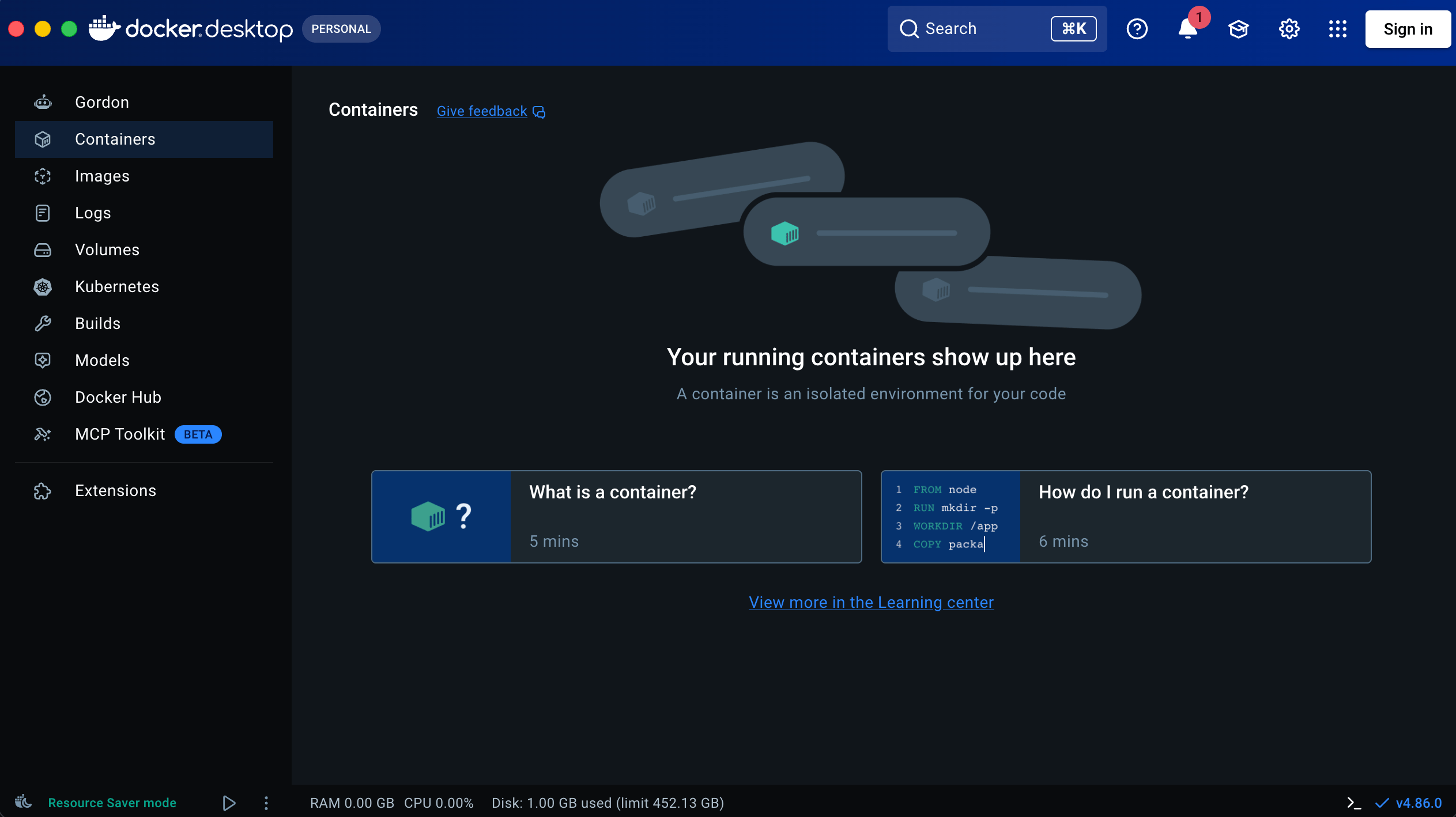
.dmg, move Docker to Applications, then open Docker.-
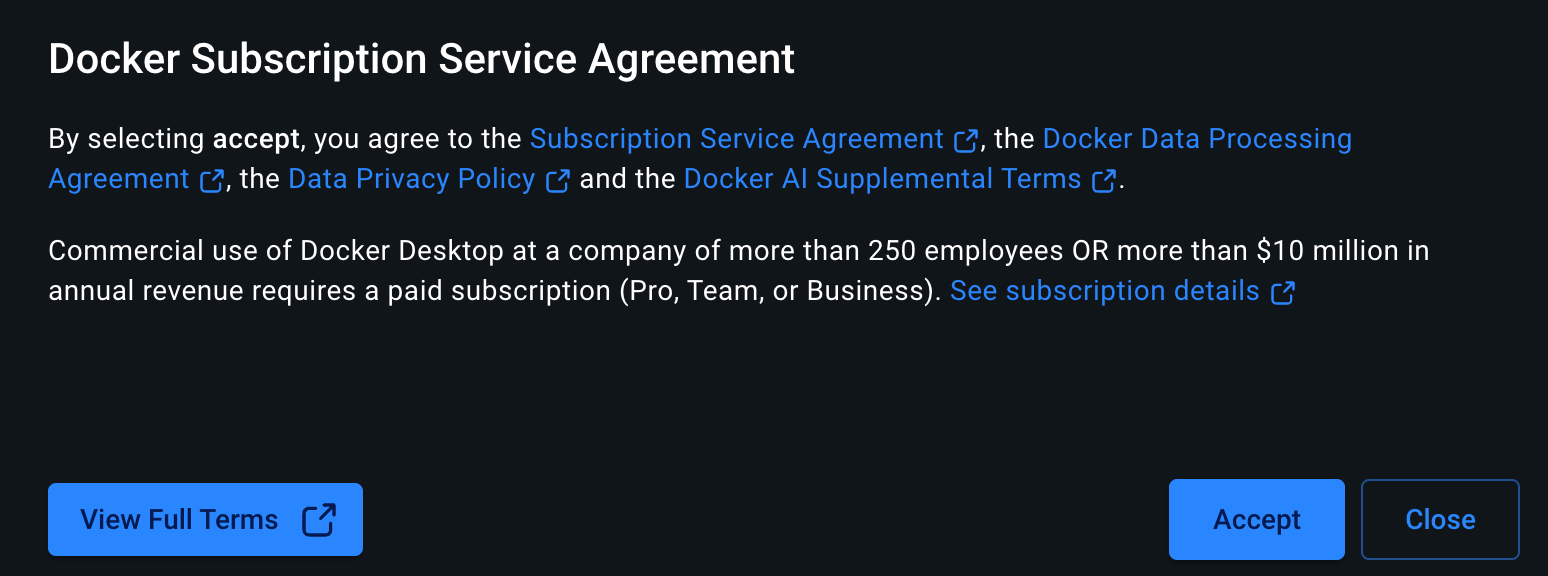
Accept the Docker Subscription Service Agreement.
-
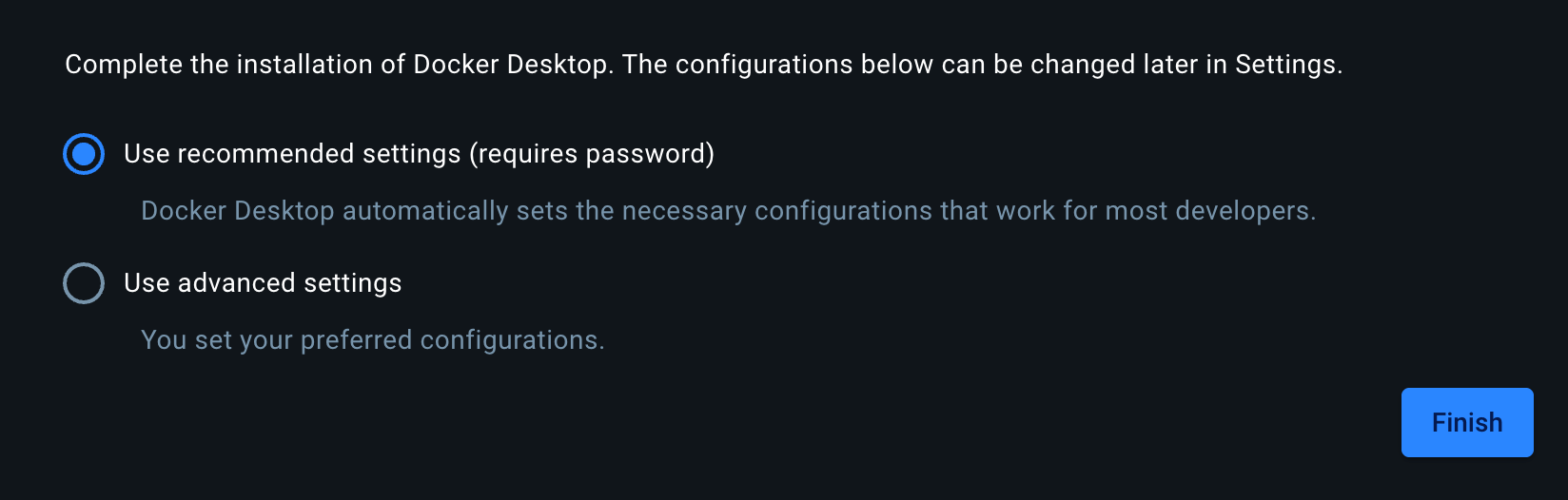
Keep Use recommended settings and click Finish. Enter your Mac password if asked.
-
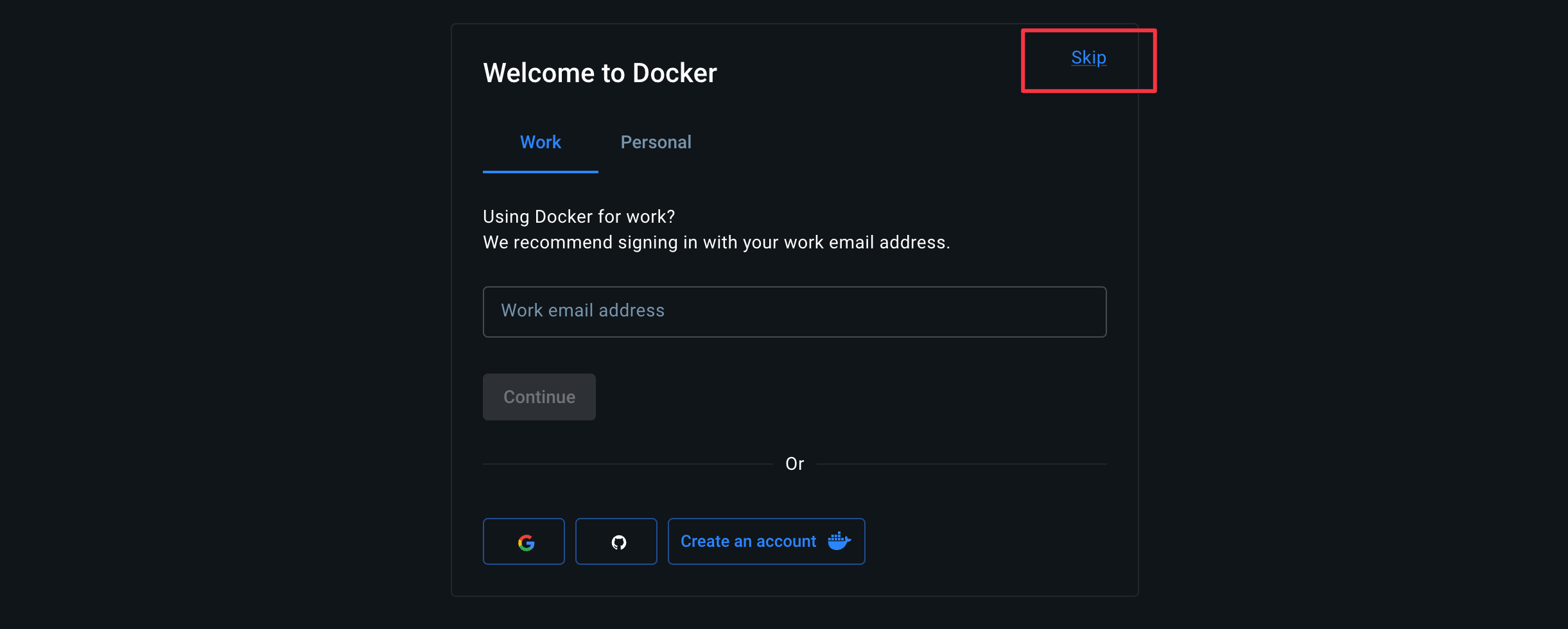
On Welcome to Docker, click Skip. You do not need a Docker account.
Install the simulator
Open a terminal — on Windows, the Ubuntu one — go to the folder you want the simulator in, and run:innate-os/ into that folder.
The installer shows its plan before making changes. Use the arrow keys to move through the prompts and press Enter to select. After the prompts, it installs missing dependencies, clones innate-os, and downloads the runtime without further input.
Choose your agent setup
During installation, choose how the agent connects to Gemini:Open the simulator
1
Start the simulator
When prompted with Start the simulator now?, select Yes. The installer starts the runtime and opens the live dashboard.
2
Open the web app
From the dashboard, open https://localhost and accept the self-signed certificate.
Seeing a privacy warning?
Seeing a privacy warning?
The simulator creates a certificate on your computer to encrypt the local connection. Your browser cannot verify who created it, so it displays a warning. This is expected for
https://localhost.Confirm that the address is https://localhost, then continue:- Chrome or Edge: Click Advanced → Proceed to localhost (unsafe).
- Safari: Click Show Details → visit this website → Visit Website.
- Firefox: Click Advanced → Accept the Risk and Continue.
https://localhost.3
You're ready!
The web app opens on the Agent page, with the simulated robot in the middle: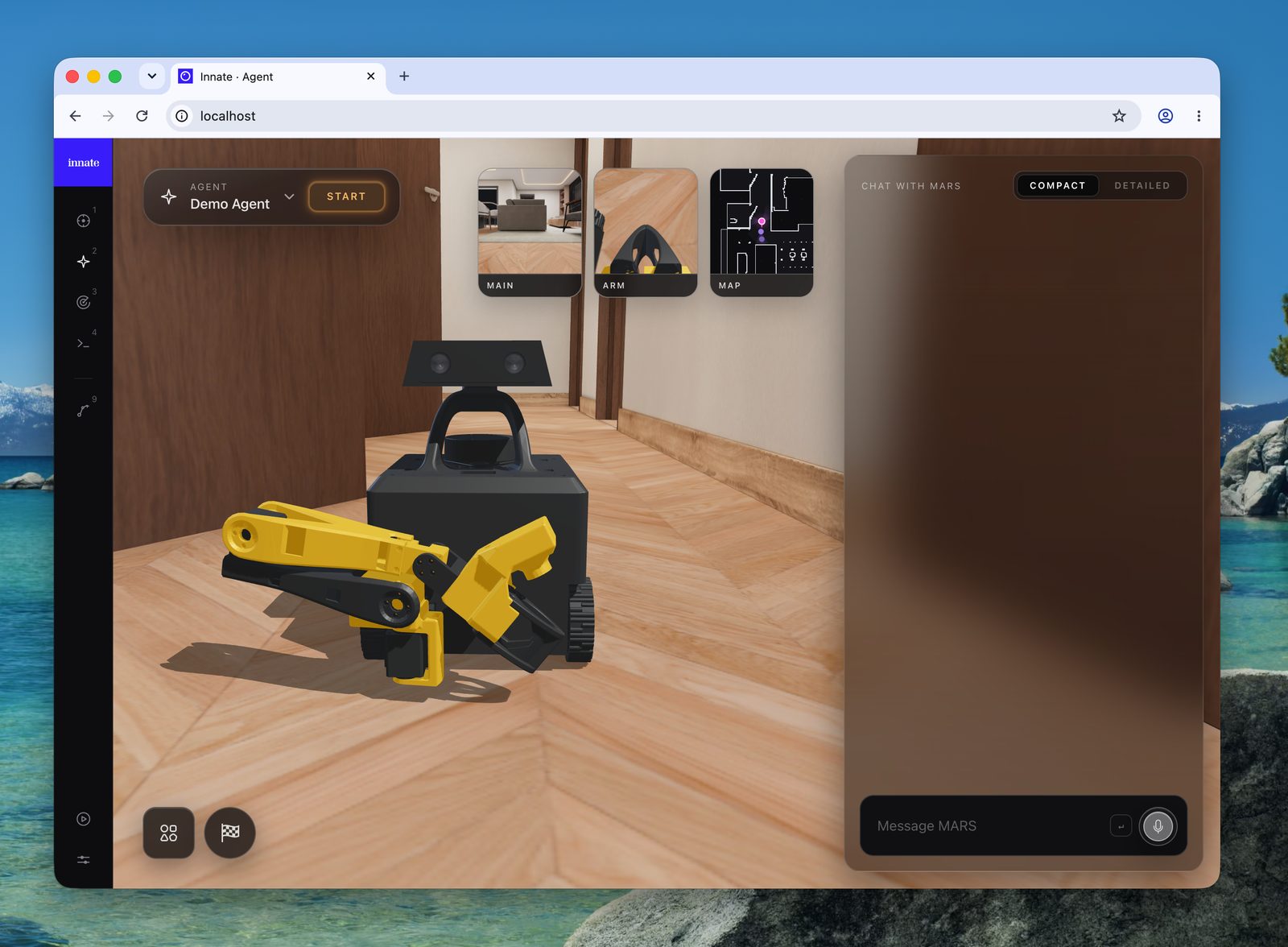
4
Talk to the agent
Demo Agent is already selected. Press Start, then type “What do you see?” in the chat on the right. The agent looks through the robot’s camera and answers.This needs the Gemini key or Innate service key you chose during install.
5
Drive the robot
Open Teleop, the first icon in the left rail. Drive with W, A, S, and D, pick a camera preview in the top right to change views, and drag the scene to move the camera around MARS.
6
Stop and start it again
Both commands run from the To start it again:Your data survives the restart.
innate-os/ folder.To stop the simulator:Manage the simulator
Troubleshooting
Launcher errors include the next step (missing packages come with the install command), and the installer keeps its detailed output in~/.innate-install.log. If you’re stuck, ask on Discord — setup reports from new machines are how the rough edges get fixed.
Next: build something
Your first agent and skill
Write a skill, hand it to an agent, and watch the robot decide when to use it.