

Try it in your browser
Nothing to install. Join the queue and take MARS for a spin.
Run it on your laptop
One command, about 10 minutes. You need this to build your own skills and agents.
What you can do
Create an agent without code
Write a prompt, pick skills, and chat. It sees through the robot’s cameras and acts on what you ask.
Give it new skills in Python
Write a short class and save. The robot can use it a second later, and the agent decides when.
Take on challenges
Scored missions: find a person who collapsed, push a ball to the dog, escape the Backrooms.
Drive through different worlds
An apartment, a city crossroads with traffic, and the Backrooms, with LiDAR, cameras, depth, and an arm.
For roboticists
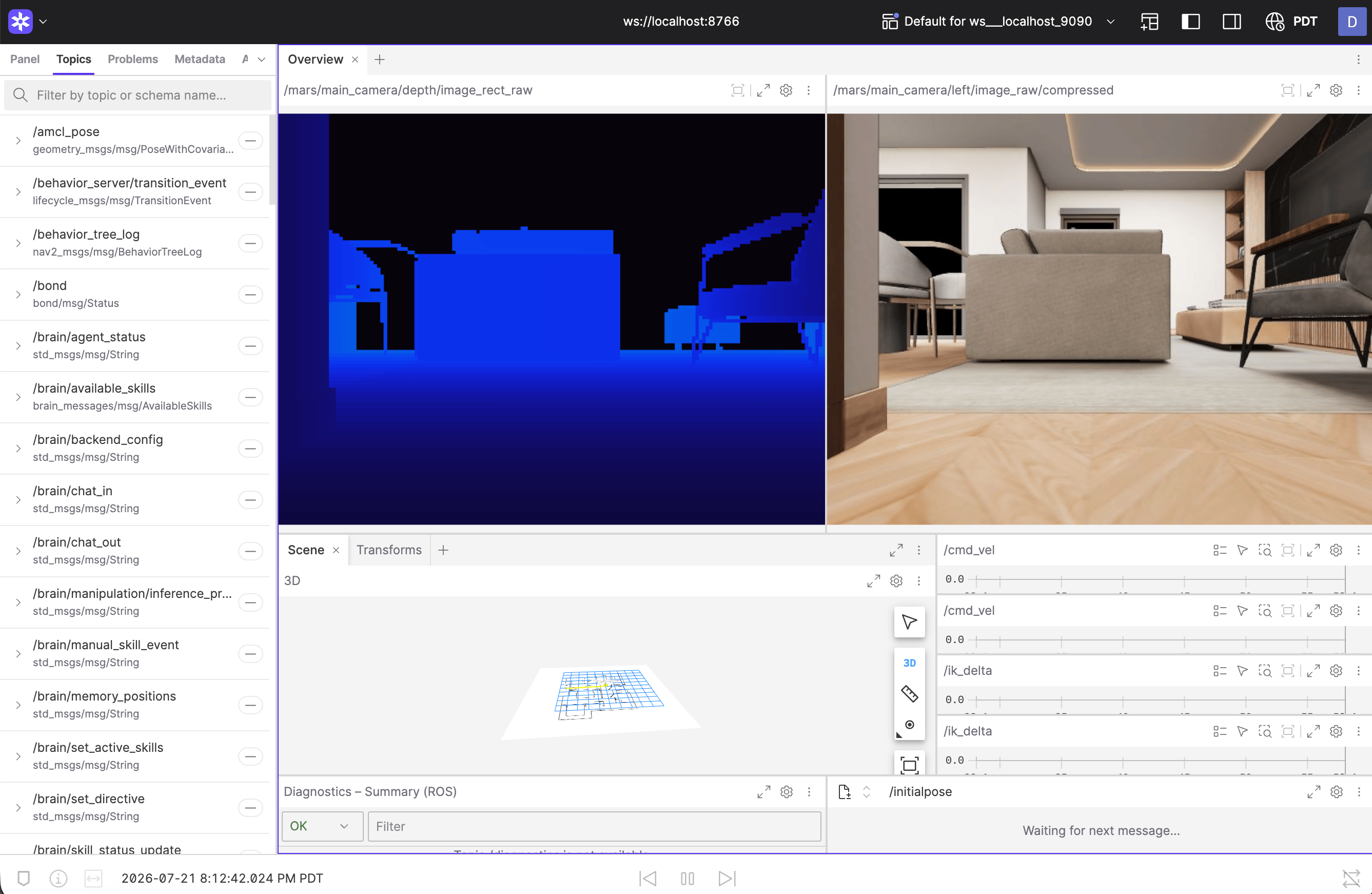
Under the web app is a full ROS 2 stack, with the same topics, message types, and frames as the real hardware. Connect Foxglove and your own ROS tools, or skip ROS and Docker entirely:VirtualMars gives you the whole world as a Python object for scripts and reinforcement learning.
Set up the simulator
Install, start it, and say hello to the agent.
Your first agent and skill
Teach the robot a new trick in five minutes.