
Phone app
Android APK (1.5.0)
Direct APK download.
iOS TestFlight
Join the iOS beta on TestFlight.
Connect the phone app
1
Find the robot
Open the app. Tap your robot when it appears over Bluetooth.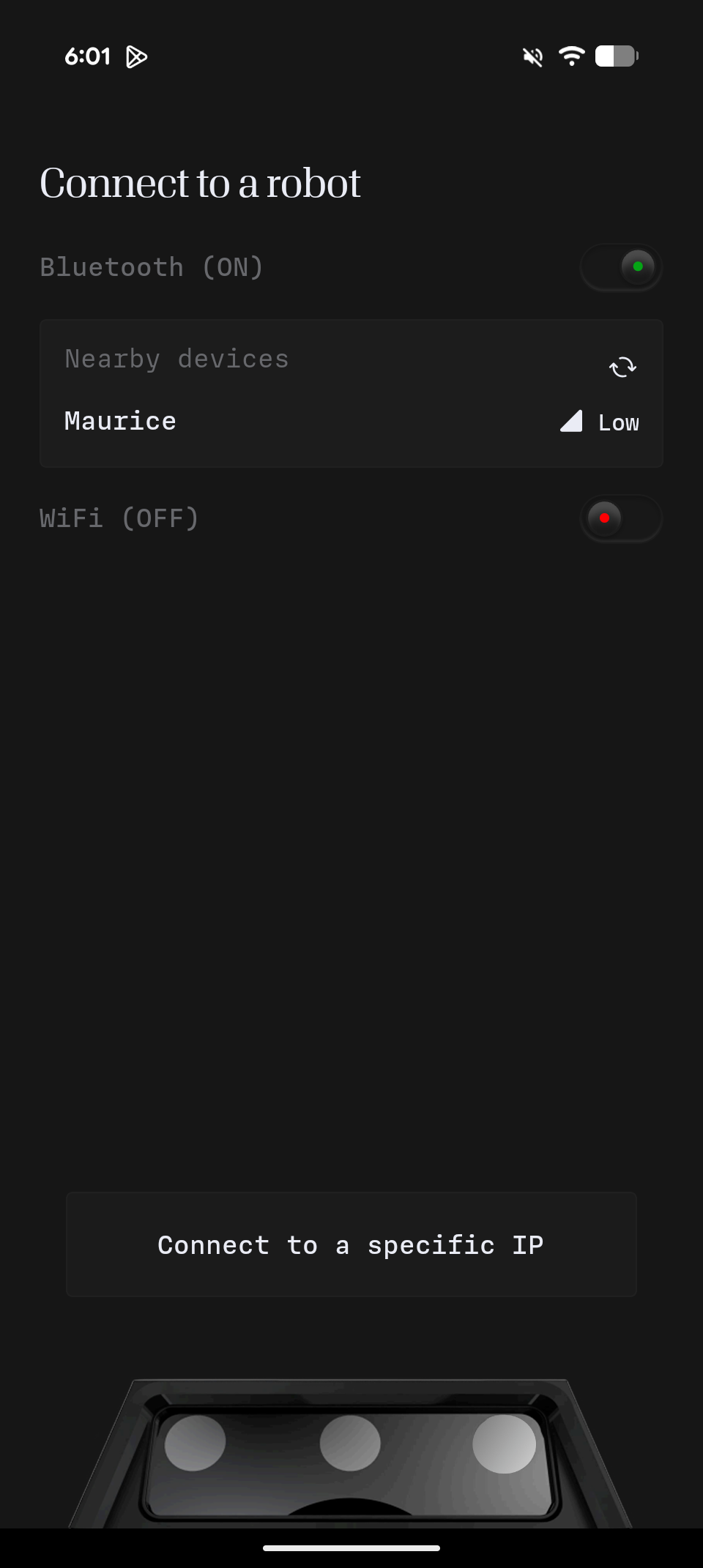
2
Connect or change Wi-Fi
If the robot is on the same network as your phone, tap Connect. Otherwise tap Change Robot WiFi and pick a network. A phone hotspot works.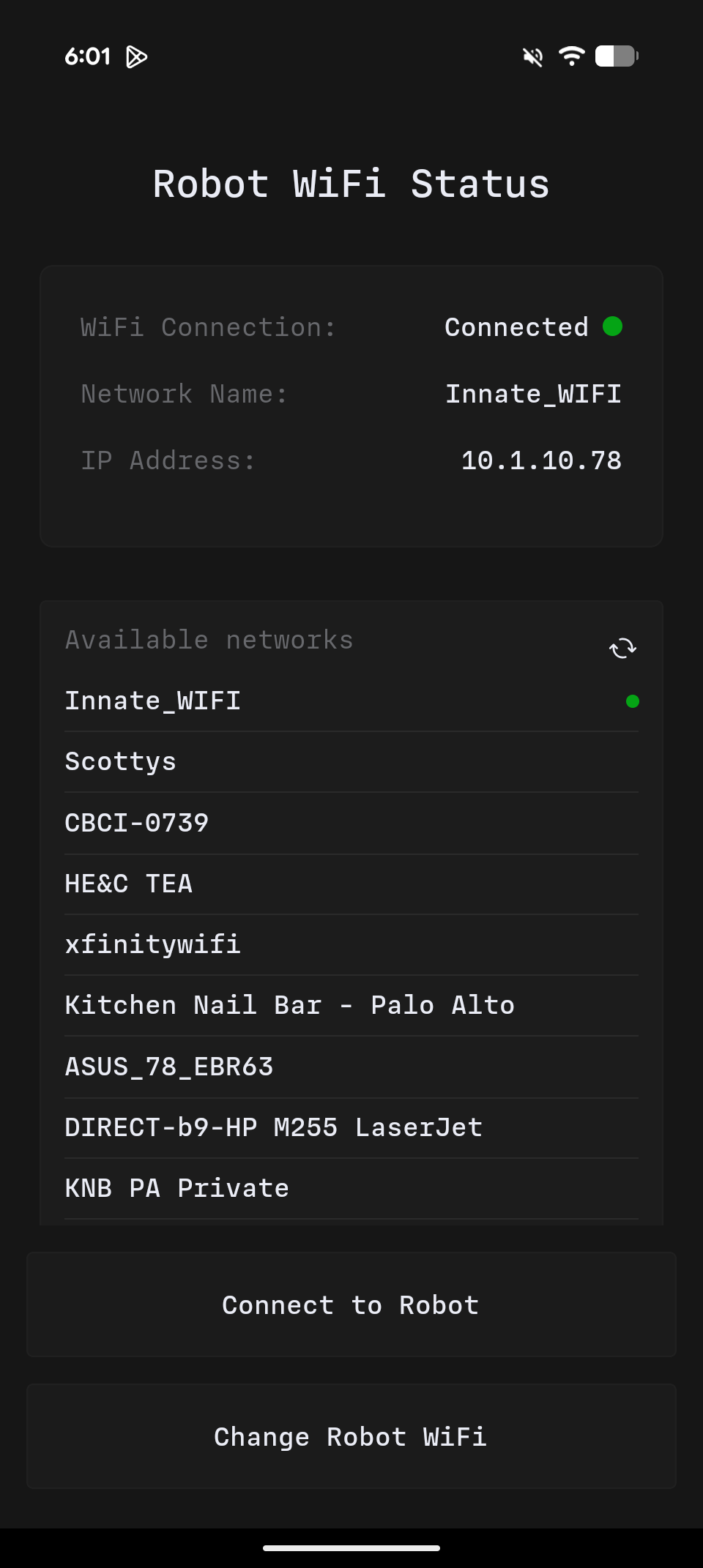
Web app
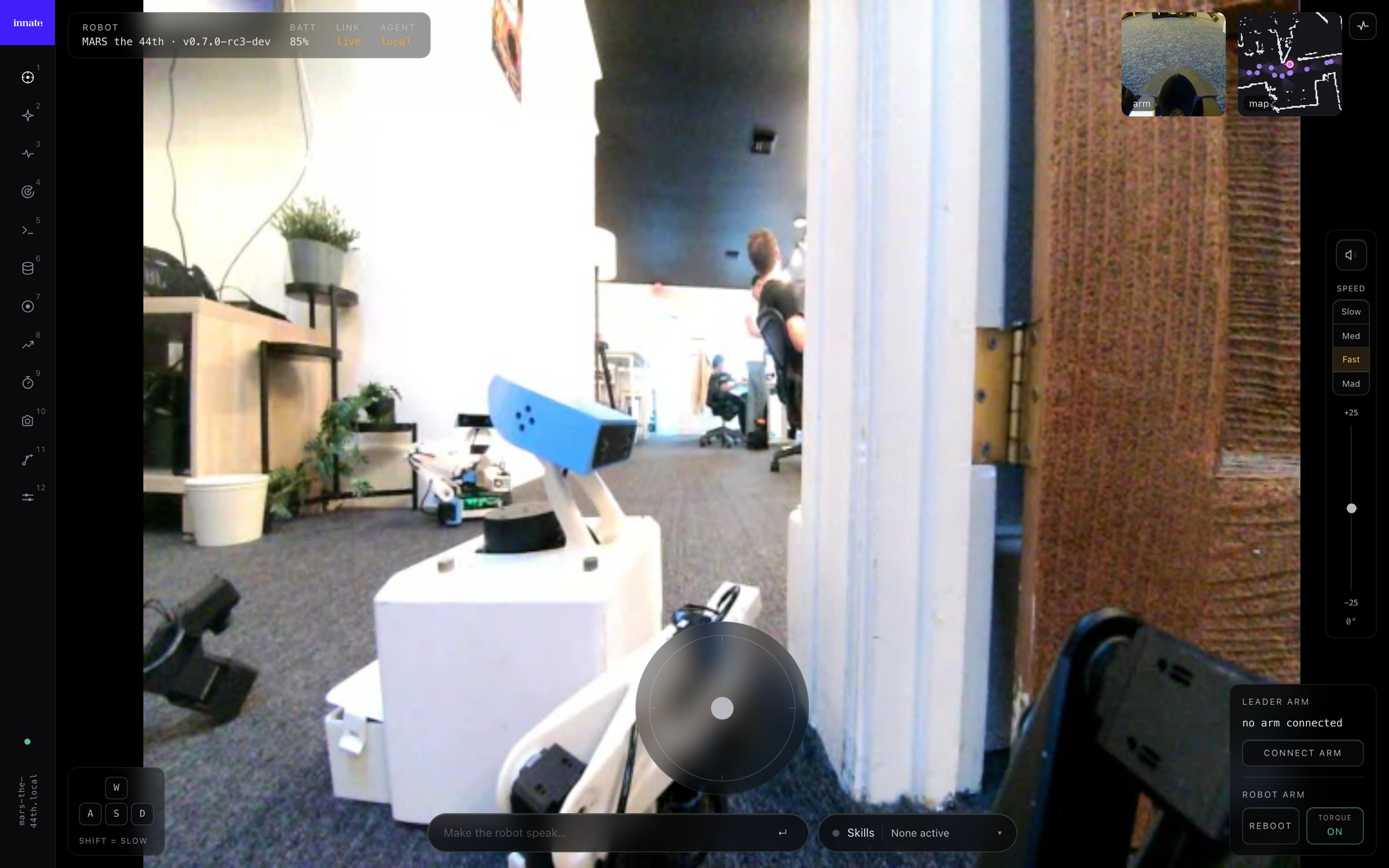
Open the robot’s IP address in a browser, for examplehttps://192.168.1.42. Accept the self-signed certificate once per machine. The .local hostname also works but is slower to resolve.
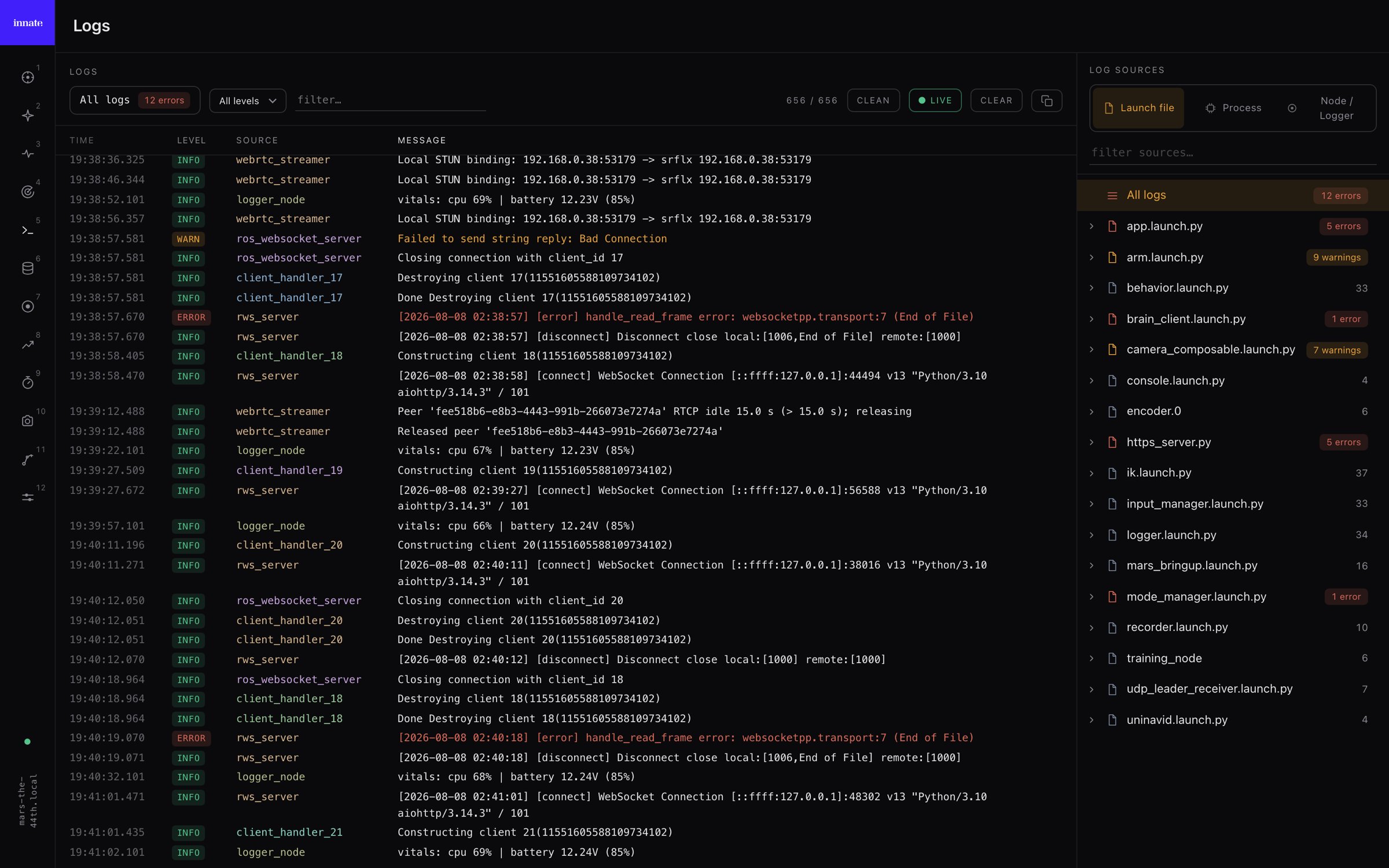
Logging
The Logging page streams the robot’s full console, including output that never reaches/rosout. Pick a source on the right (launch file, process, or node) to filter. Sources with errors are tinted, so problems stand out.